Every few months a demo circulates of an AI tool turning a screenshot or a sentence into a working web page, and the question returns: are frontend developers finished? The honest answer is more useful than either the hype or the denial. AI now handles a large share of routine frontend work very well, and that is changing what clients pay for and what junior roles look like. This article separates what is genuinely automated from what still needs skilled people, and gives developers and engineering managers in East Africa a concrete plan for the next two years.
Key takeaways
- AI tools are now good at generating components, layouts, boilerplate, tests and straightforward CRUD screens, especially in mainstream frameworks such as React, Vue and Angular.
- They remain weak at product judgement, accessibility done properly, performance on real devices and networks, complex state, and integration with messy real-world systems.
- The work most exposed is repetitive implementation from clear designs. The work gaining value is architecture, quality, user understanding and owning outcomes.
- In East Africa, real constraints such as low-end Android devices, expensive mobile data and M-Pesa payment flows reward developers who understand users and infrastructure, not just syntax.
- The developers at risk are those who only translate designs into markup; the ones who thrive will direct AI tools and take responsibility for what ships.
What AI does well in frontend work today
Modern coding assistants and agents can, with good instructions:
- Scaffold a project with routing, linting, formatting and a component library.
- Turn a clear design or written specification into components with sensible props and responsive styling.
- Write form handling and validation, including common patterns such as Kenyan phone number formats, if you specify them.
- Convert components between frameworks or upgrade between major versions, with review.
- Generate unit and component tests and fix failing ones.
- Explain unfamiliar code and suggest refactors.
- Produce first drafts of documentation and Storybook stories.
This covers a meaningful share of the hours in a typical frontend project. A competent developer using these tools well can deliver standard screens much faster than before, and clients are noticing.
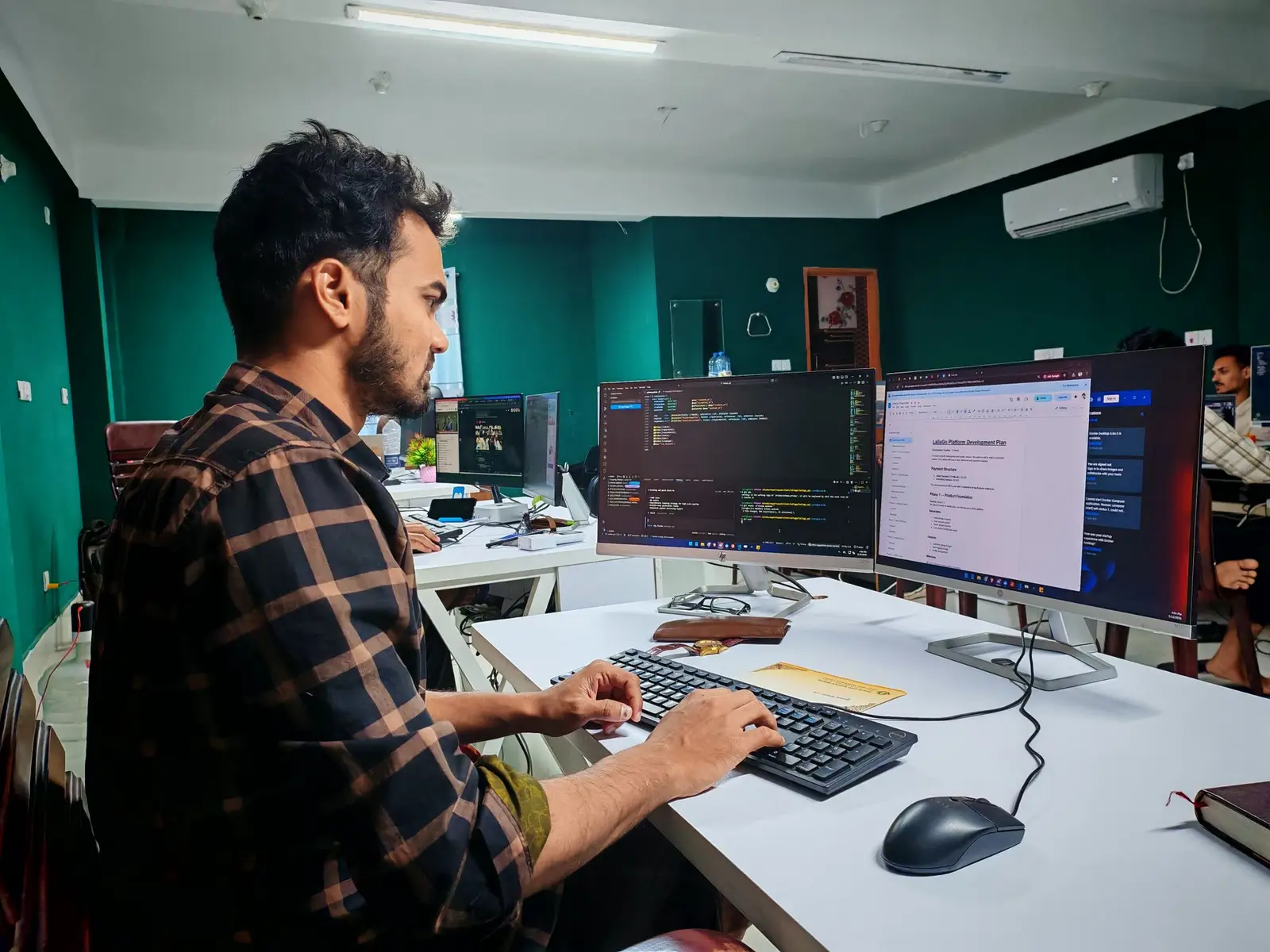
 AI assistants work best inside the existing editor and code review flow.
What AI still does poorly
The gaps are not minor polish. They are the parts that determine whether a product succeeds.
Product and interaction judgement
AI can implement a checkout flow; it cannot tell you that your customers abandon it because the M-Pesa STK push prompt arrives after they have already locked their phone, or that an agent in Eldoret needs a different flow from a shopper in Westlands. Understanding users, questioning requirements and making trade-offs remain human work.
Accessibility beyond the basics
Tools will add alt attributes and ARIA labels, sometimes incorrectly. Real accessibility means correct focus management, keyboard navigation, screen reader announcements for dynamic content and testing with assistive technology. Generated code often looks accessible to a linter while failing actual users.
Performance on real devices and networks
Many users in the region browse on entry-level Android phones over 3G or congested 4G, often with limited data bundles. AI-generated frontends tend to pull in large dependencies and ship heavy JavaScript. Knowing how to measure and fix performance, with code splitting, image optimisation, caching strategies and server rendering where appropriate, is a skill tools do not replace.
Complex state and data flows
Optimistic updates, offline support, conflict resolution and real-time synchronisation are where subtle bugs live. AI can write the code, but someone must design the model and recognise when the generated approach will fail under poor connectivity.
Integration with messy systems
Payment callbacks from Daraja, asynchronous confirmation of mobile money transactions, eTIMS invoice references and legacy APIs with undocumented behaviour all require careful handling. Tools tend to produce code for the happy path.
Accountability
When a release breaks payments on a Friday evening, a person must diagnose it, fix it and explain it. AI tools do not carry responsibility, and organisations need people who do.
A worked example: an M-Pesa payment status screen
Consider a common task: after a customer confirms an STK push, show a screen that waits for the payment result. Ask an AI assistant for this and you will typically get something like a component that polls your backend every second until the status changes. It works in the demo. In production, several problems appear that a developer with regional experience would anticipate:
- No timeout or user-facing fallback. Daraja callbacks can arrive late or not at all. The customer needs a clear message after a reasonable wait and a way to check again or retry, not an endless spinner.
- Aggressive polling on expensive data. Polling every second from thousands of phones on metered bundles wastes customers' data and loads your servers. Backoff, or a push channel where it is reliable, is kinder to both.
- No handling for the app going to the background. The customer switches to the M-Pesa prompt, the browser tab is suspended, and polling stops. The screen must re-check status when it becomes visible again.
- Duplicate submissions. If the customer taps "Pay" twice on a slow connection, two STK pushes may be sent. The button needs to be disabled and the backend needs an idempotency key.
A better version handles these explicitly:
// Poll with backoff, stop after a deadline, and re-check when the tab becomes visible.
async function waitForPayment(checkoutId: string, deadlineMs = 90_000): Promise<'paid' | 'failed' | 'timeout'> {
  const started = Date.now();
  let delay = 2_000;
  while (Date.now() - started < deadlineMs) {
    if (document.visibilityState === 'visible') {
      const res = await fetch(`/api/payments/${encodeURIComponent(checkoutId)}`, { cache: 'no-store' });
      if (res.ok) {
        const { status } = (await res.json()) as { status: 'pending' | 'paid' | 'failed' };
        if (status !== 'pending') return status;
      }
    }
    await new Promise((resolve) => setTimeout(resolve, delay));
    delay = Math.min(delay * 1.5, 10_000);
  }
  return 'timeout';
}
The AI tool can write this version too, once someone tells it what matters. That is the point: the value has moved from typing the code to knowing what the code must handle.
How frontend work is being restructured
| Task | Exposure to automation | What the human role becomes |
|---|---|---|
| Converting designs into static components | High | Reviewing output, enforcing design system consistency |
| Standard CRUD screens and forms | High | Specifying behaviour and edge cases, reviewing |
| Writing unit and component tests | Medium to high | Deciding what to test and spotting meaningless tests |
| Framework upgrades and migrations | Medium | Planning, reviewing, verifying behaviour |
| Accessibility | Low to medium | Auditing, testing with assistive tech, owning compliance |
| Performance engineering | Low | Measuring on real devices, making architectural choices |
| State architecture and offline support | Low | Designing data flow and failure handling |
| Product discovery and UX decisions | Low | Understanding users, challenging requirements |
The pattern is clear: implementation is compressing, while judgement and verification are expanding.
What this means for different roles
Junior developers. The traditional entry route, building simple pages under supervision, is shrinking because AI does much of it. Juniors now need to show they can review code critically, debug and understand fundamentals. Building AI-assisted projects is fine; being unable to explain them in an interview is not.
Mid-level developers. Your leverage has increased. Developers who combine solid fundamentals with effective use of AI tools can take on work that used to need a larger team. The risk is becoming a reviewer who skims rather than understands.
Senior developers and tech leads. Demand for architecture, code quality standards, performance budgets and mentoring is growing, because AI output needs strong guardrails. Seniors also set the team's rules for AI use.
Agencies and software houses. Clients increasingly expect faster delivery and lower prices for standard sites and dashboards. Competing on hourly rates for simple builds is getting harder; competing on outcomes, reliability and domain knowledge is more defensible.
 Human code review remains the main quality gate, with or without AI.
A skills plan for the next 24 months
A practical procedure for individual developers:
- Strengthen fundamentals. HTML semantics, CSS layout, the browser event loop, HTTP caching and JavaScript and TypeScript type systems. The TypeScript handbook and framework docs such as react.dev, vuejs.org and angular.dev are better foundations than any tutorial video.
- Learn to direct AI tools. Practise writing precise specifications, breaking work into small tasks, and reviewing diffs critically. Treat the tool as a fast junior colleague.
- Own quality. Learn accessibility testing with a screen reader, performance profiling in browser dev tools, and how to read Core Web Vitals.
- Test on real conditions. Keep a low-end Android phone on your desk and throttle network speed in dev tools. Few developers do this consistently, and it shows.
- Learn the backend edges. Understand APIs, authentication, server rendering and edge caching well enough to design a full feature.
- Develop domain knowledge. Fintech, logistics, agritech, health and public sector systems in East Africa have specific workflows. Domain expertise is hard to automate.
- Build a portfolio of outcomes. Show what you improved: load time reduced, conversion increased, accessibility issues fixed. That is what clients and employers now buy.
A note for engineering managers
If you lead a frontend team, use this checklist to adapt:
- Agree written guidelines for AI-assisted work, including review expectations and disclosure in pull requests.
- Introduce performance budgets (bundle size, Largest Contentful Paint) enforced in CI.
- Add automated accessibility checks and schedule periodic manual audits.
- Redesign junior onboarding around code review, debugging and fundamentals rather than simple page building.
- Track lead time, defect rates and review load to see whether AI is actually helping.
- Budget for tools in KES per developer and review value quarterly.
Common mistakes
- Assuming generated code is production-ready. It often works in a demo and fails on slow networks, older browsers or edge cases.
- Skipping fundamentals because AI writes the code. You cannot review what you do not understand.
- Ignoring accessibility because the linter passes. Automated checks catch only part of accessibility problems.
- Shipping heavy bundles. AI tools freely add dependencies. Check every new package for size, maintenance and security.
- Treating the question as all or nothing. The real shift is in which tasks humans do, not whether humans are needed.
FAQ
Will AI replace frontend developers completely?
Not in the foreseeable future. It is automating much of the routine implementation, which reduces demand for pure design-to-code work, but product judgement, quality, performance, accessibility and accountability still require skilled people.
Should I still learn frontend development in 2026?
Yes, but learn it differently. Focus on fundamentals, user experience, performance and accessibility, and learn to use AI tools as part of your workflow from the start.
Which frontend skills are most valuable now?
Performance engineering, accessibility, state and data architecture, testing strategy, and the ability to translate business needs into technical decisions. TypeScript proficiency and an understanding of server rendering are also valuable.
Can no-code and AI website builders replace a custom frontend?
For brochure sites and simple stores, often yes. For products with complex workflows, integrations such as M-Pesa and eTIMS, or strict performance and security requirements, custom development remains the better choice.
How TechBytes can help
We build web and mobile frontends designed for East African users, with performance budgets, accessibility checks and AI-assisted workflows that keep delivery fast without compromising quality. If you need a team to deliver or review a product, talk to our software development team. For tool selection, see our comparison of the best AI coding assistants for developers.