
AI tools can make a development team dramatically faster, or they can produce a fast-growing pile of code nobody fully understands. The difference is not the tool; it is the workflow around it. This guide sets out the workflow we use on client projects: how to specify work so AI can execute it, how to keep changes small and reviewable, and how to build a CI pipeline that makes tests, security checks and human review the gatekeepers. It includes a working GitHub Actions configuration you can adapt.
Key takeaways
- Speed comes from good specifications and small iterations, not from asking an AI to build the whole application at once.
- Tests are the contract. Write or generate them early so AI-written code is checked against expected behaviour, not just compiled.
- CI must enforce what humans might skip: linting, type checking, tests, coverage thresholds, dependency audits and secret scanning.
- Human review stays mandatory, and AI can make it better by summarising changes and flagging risks.
- In East Africa, design the pipeline and the application for realities such as intermittent connectivity, mobile money integrations and data protection obligations.
Where AI actually saves time
Across the software lifecycle, the gains are uneven:
| Phase | AI contribution | Typical time saving | Risk if unmanaged |
|---|---|---|---|
| Requirements and specification | Drafting user stories, edge cases and acceptance criteria from rough notes | Moderate | Plausible but wrong assumptions about users |
| Scaffolding and boilerplate | Project setup, CRUD endpoints, forms, configuration | High | Outdated patterns or unnecessary dependencies |
| Feature implementation | Writing code against clear specs and tests | High for well-specified work | Subtle logic errors, security gaps |
| Testing | Generating unit, integration and end-to-end tests | High | Tests that assert the wrong behaviour |
| Debugging | Reading logs and stack traces, proposing fixes | Moderate to high | Fixing symptoms rather than causes |
| Code review | Summaries, risk flags, style issues | Moderate | Reviewers deferring entirely to the tool |
| Documentation | READMEs, API docs, runbooks | High | Documentation drifting from reality |
The biggest wins come from combining these: a clear spec produces good tests, good tests let agents iterate safely, and CI catches what slips through.
 AI assistants work best inside the existing editor and code review flow.
The workflow: seven steps from idea to production
Step 1: Write a short specification
Before any code, write one page per feature: the user, the problem, the behaviour, the edge cases and the acceptance criteria. AI can help draft it from meeting notes, but a person who understands the business must edit it. For example, an invoice payment feature should state what happens when an M-Pesa callback never arrives, when the customer pays a different amount, and when the KRA eTIMS submission fails.
Step 2: Break the work into small tasks
Split the spec into tasks that each produce a reviewable pull request of a few hundred lines at most. "Add the payment status model and migration", "Add the Daraja callback endpoint with signature validation", "Add the reconciliation job". Small tasks keep AI output focused and reviews meaningful.
Step 3: Define tests first
For each task, write or generate the tests that define success. Review these carefully: a wrong test locks in wrong behaviour. Include failure cases, such as duplicate callbacks, timeouts and malformed payloads.
Step 4: Let the assistant implement against the tests
Give the coding assistant or agent the task, the relevant spec section and the tests. Ask it to run the tests and iterate until they pass, without modifying the tests. Agents in the terminal or in cloud sandboxes do this well when tests are fast and deterministic.
Step 5: Review like it matters
Read every line. Check authorisation on every endpoint, input validation, error handling, logging of personal data and new dependencies. Ask the assistant to explain any part you do not understand, and verify the explanation.
Step 6: Let CI enforce the standards
Automated checks run on every pull request and block merges when they fail. The pipeline below is the backbone.
Step 7: Deploy in small increments and watch
Ship behind feature flags where possible, monitor errors and performance, and keep rollback simple. AI-generated code fails in the same ways as human code; fast detection matters more than perfect prevention.
A CI pipeline that keeps AI-written code honest
The following GitHub Actions workflow is for a Node.js and TypeScript application. It runs linting, type checks, tests with coverage, a dependency audit, secret scanning and static analysis on every pull request. Adapt commands to your stack.
# .github/workflows/ci.yml
name: CI

on:
  pull_request:
    branches: [main]
  push:
    branches: [main]

permissions:
  contents: read

concurrency:
  group: ci-${{ github.ref }}
  cancel-in-progress: true

jobs:
  build-and-test:
    runs-on: ubuntu-latest
    timeout-minutes: 20
    steps:
      - name: Check out code
        uses: actions/checkout@v4

      - name: Set up Node.js
        uses: actions/setup-node@v4
        with:
          node-version: 20
          cache: npm

      - name: Install dependencies
        run: npm ci

      - name: Lint
        run: npm run lint

      - name: Type check
        run: npx tsc --noEmit

      - name: Unit and integration tests with coverage
        run: npm test -- --coverage
        env:
          NODE_ENV: test

      - name: Enforce coverage threshold
        run: |
          COVERAGE=$(node -e "console.log(require('./coverage/coverage-summary.json').total.lines.pct)")
          echo "Line coverage: ${COVERAGE}%"
          node -e "process.exit(${COVERAGE} >= 80 ? 0 : 1)" || (echo 'Coverage below 80%' && exit 1)

      - name: Audit production dependencies
        run: npm audit --omit=dev --audit-level=high

  secret-scan:
    runs-on: ubuntu-latest
    steps:
      - name: Check out full history
        uses: actions/checkout@v4
        with:
          fetch-depth: 0

      - name: Scan for committed secrets
        uses: gitleaks/gitleaks-action@v2
        env:
          GITHUB_TOKEN: ${{ secrets.GITHUB_TOKEN }}

  codeql:
    runs-on: ubuntu-latest
    permissions:
      contents: read
      security-events: write
    steps:
      - name: Check out code
        uses: actions/checkout@v4

      - name: Initialise CodeQL
        uses: github/codeql-action/init@v3
        with:
          languages: javascript-typescript

      - name: Run CodeQL analysis
        uses: github/codeql-action/analyze@v3
A few notes on this configuration:
- Least privilege. The workflow token is read-only by default; only the CodeQL job gets permission to upload security results.
- The coverage step expects Jest or Vitest configured to emit
json-summarycoverage (for Jest, addjson-summarytocoverageReporters). Adjust the threshold to your codebase rather than chasing 100 percent. - Gitleaks catches API keys, including Daraja consumer secrets and cloud credentials, before they reach the main branch. Check the action's licence terms for organisation accounts.
- CodeQL runs free for public repositories; private repositories need GitHub's code security licensing. Alternatives such as Semgrep can fill the same role.
- Branch protection must require these checks and at least one human approval, otherwise the pipeline is advisory.
To pin third-party actions more securely, replace version tags with full commit SHAs once the workflow is stable.
Using AI inside the pipeline
Beyond running checks on AI-written code, you can use AI in CI itself:
- Pull request summaries. An AI step can summarise what changed and why, so reviewers start with context.
- Automated review comments. Coding agents can run non-interactively in CI to flag likely bugs, missing tests or risky patterns. Treat these as suggestions, not approvals.
- Failure triage. When a build fails, an AI step can read the logs and post a likely cause.
Keep these steps read-only on the repository, store API keys as encrypted secrets, and remember that pull requests from forks should not receive secrets. Monitor the cost of AI steps, which run on every push.
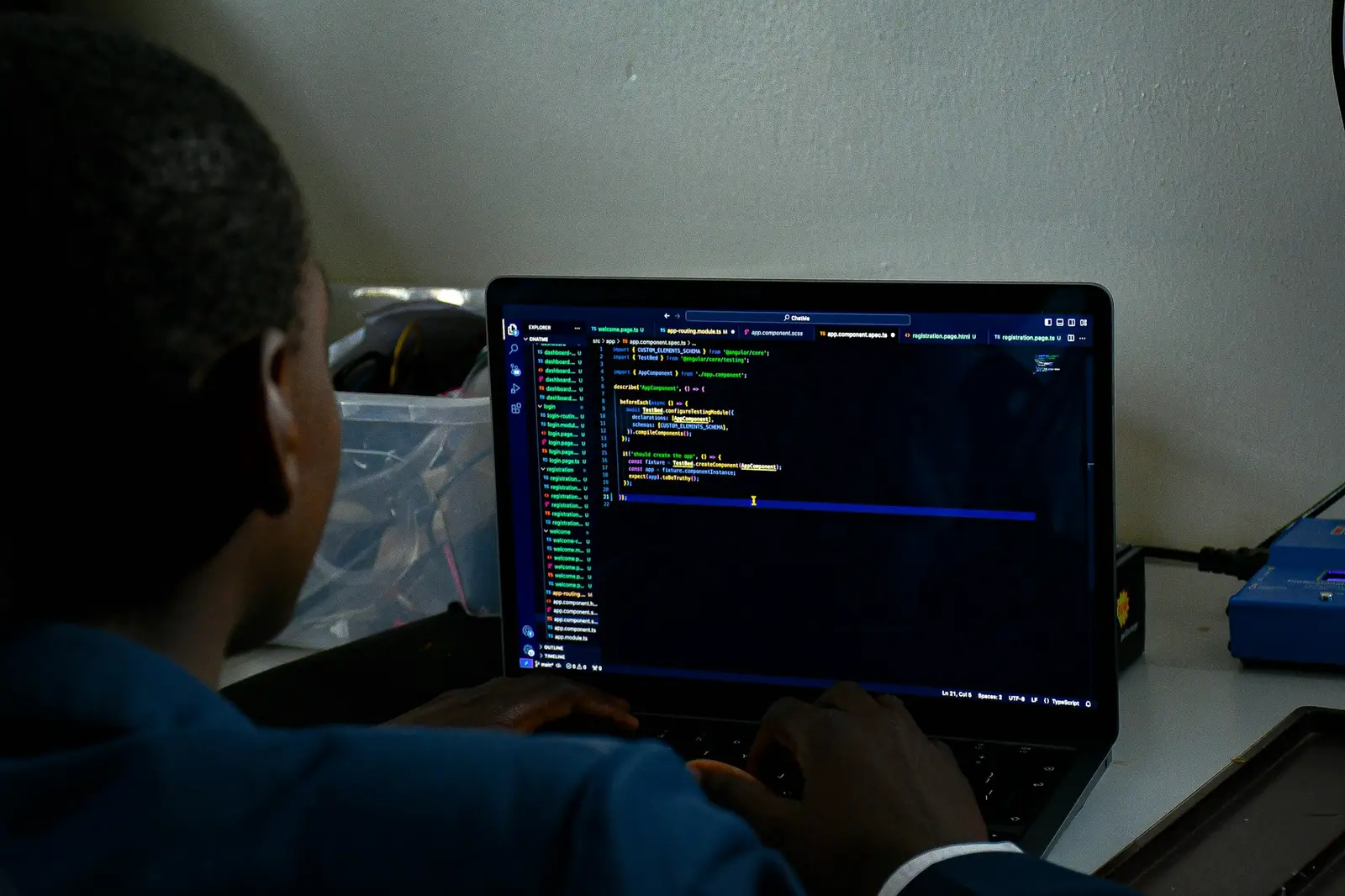 Human code review remains the main quality gate, with or without AI.
Architecture choices that make AI-assisted development easier
AI tools perform better on codebases that are easy for humans to understand. Choices that help:
- Strong typing. TypeScript, typed Python or Kotlin give tools and reviewers more information and catch more errors early.
- Consistent structure. A predictable folder layout and naming conventions help agents find the right files.
- Fast tests. Agents iterate against tests; a suite that runs in seconds enables many cycles, one that takes 30 minutes does not.
- Documented conventions. A short file at the repository root describing architecture, commands and rules helps both new developers and AI tools.
- Clear integration boundaries. Wrap M-Pesa, eTIMS, SMS and email providers in your own adapters with test doubles, so tests do not depend on sandbox availability.
East African considerations
- Connectivity for developers. Cloud-based assistants and CI depend on stable internet. Use fibre with a backup LTE link at the office, and cache dependencies in CI to reduce repeated downloads.
- Hosting decisions. If your application must keep data in Kenya, plan deployment to a local data centre or a provider with local presence; cloud regions in South Africa or Europe add latency and create cross-border transfer obligations under the Data Protection Act 2019.
- Sandbox realities. Payment and tax sandboxes can be slow or intermittently unavailable. Mock them in CI and run integration tests against sandboxes on a schedule, not on every commit.
- Cost control. GitHub Actions minutes, AI tool seats and agent usage are billed in USD. Monitor usage monthly and convert to KES so the business sees real costs.
Common mistakes
- Asking AI to build everything in one prompt. Large, vague requests produce large, inconsistent code. Work in small, specified increments.
- Letting agents edit the tests. If the agent can change the tests to pass, the tests prove nothing. Review test changes separately.
- Treating CI as optional. Without branch protection, checks are suggestions.
- Ignoring dependency bloat. AI tools add packages readily. Review every new dependency for necessity, maintenance and licence.
- Skipping documentation updates. Ask the assistant to update docs in the same pull request as the code.
- Measuring speed only. Track defects and rework too, or apparent gains will be eaten by bugs.
FAQ
How much faster can AI make a development team?
It depends on the work and the team's discipline. Gains are largest on well-specified, routine tasks with good tests, and smallest on novel design and complex integrations. Measure lead time and defect rates on your own projects before and after adoption.
Can AI write the tests as well as the code?
Yes, but have a human review tests first, because they define correct behaviour. Generating tests and implementation from the same flawed understanding produces code that is consistently wrong.
Do I need GitHub to use this workflow?
No. GitLab CI, Bitbucket Pipelines and Azure DevOps support equivalent steps. The principles of linting, typing, tests, scanning and required review apply everywhere.
Is it safe to put AI tools in our CI pipeline?
Yes, with care: grant read-only permissions, protect secrets, do not expose secrets to forked pull requests, and treat AI output as advisory. Monitor usage costs.
What should a small team start with?
Start with the CI checks above and a written specification template. Add an AI coding assistant once checks are in place, so speed increases without quality falling.
How TechBytes can help
We set up AI-assisted development workflows and CI/CD pipelines for teams across the region, including test strategies for M-Pesa and eTIMS integrations. Our software development team can build alongside your engineers or review your current pipeline, and our consultancy service can help you define standards for AI use. To choose tools first, see the best AI coding assistants for developers in 2026.