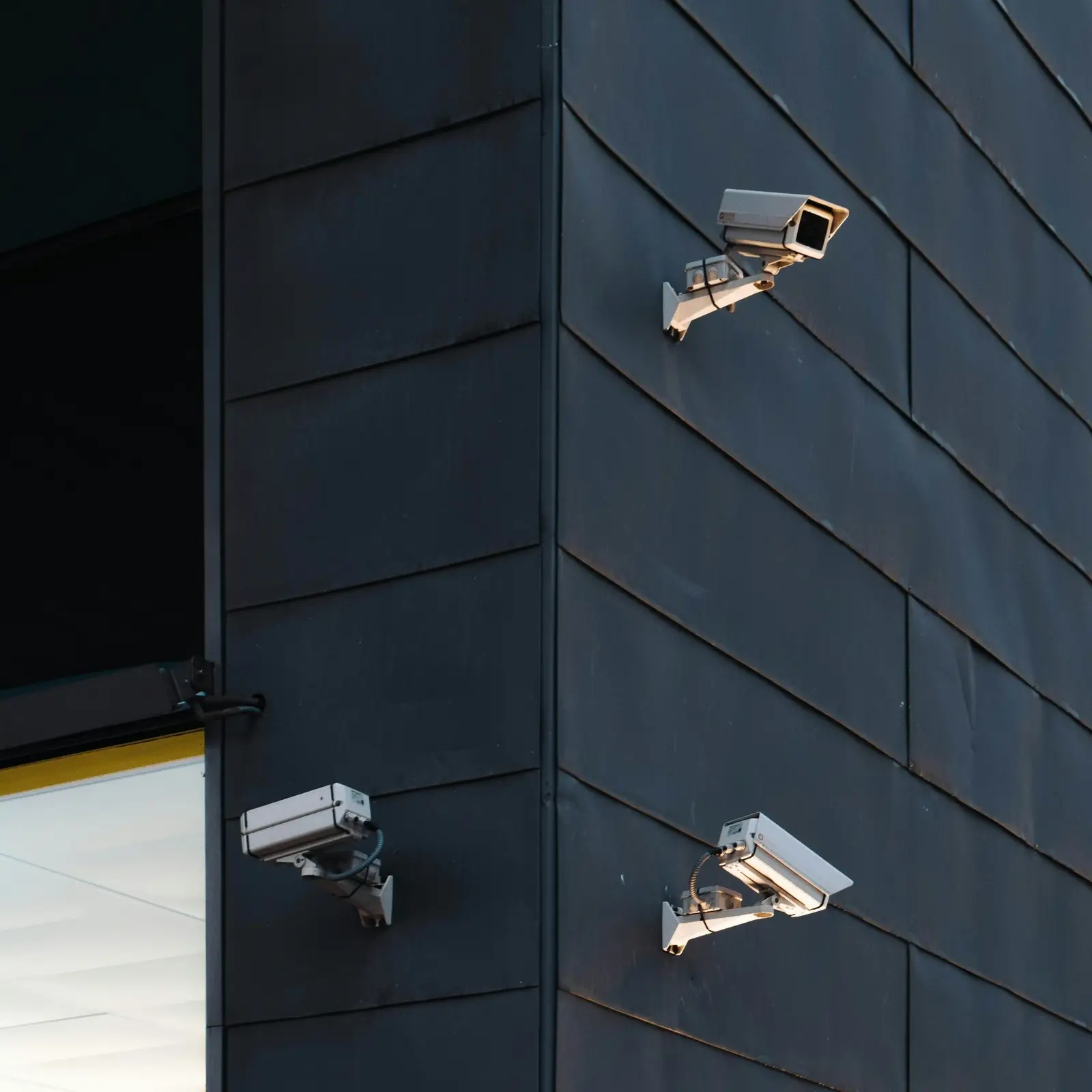
Every connected camera, smart plug and door lock is a small Linux or embedded computer on your network, often running old software, frequently with a weak password, and sometimes reachable from the internet without the owner realising. In Kenya, where CCTV and DVR systems are installed in homes, estates, shops and offices at scale, this is not a theoretical risk. This guide explains the threats that actually matter and gives you concrete router and network steps to contain them, whether you manage a single apartment or a business park.
Key takeaways
- The most common compromises come from default or reused credentials, unpatched firmware and devices exposed to the internet through port forwarding or UPnP.
- Network segmentation is the single most effective control: put IoT and CCTV on their own VLAN and block them from reaching your trusted devices.
- Never expose a DVR, NVR or camera web interface directly to the internet. Use a VPN or the vendor's relay service with strong account security.
- Turn off UPnP on the router unless you have a specific, understood need for it.
- CCTV footage of identifiable people is personal data under the Kenya Data Protection Act 2019, so retention, access and signage are compliance issues, not just security ones.
Why IoT devices are an easy target
Attackers favour IoT devices because they are numerous, rarely monitored and often poorly maintained. The 2016 Mirai botnet is the classic example: it spread by logging into cameras, DVRs and routers using a short list of factory-default usernames and passwords, then used them for large-scale denial-of-service attacks. The same pattern continues with newer botnets, which also exploit known, unpatched vulnerabilities in camera and router firmware.
Common weaknesses:
- Default credentials left in place by the installer, or a single shared password used across every site an installer manages.
- Outdated firmware with published vulnerabilities. For example, Hikvision disclosed a critical command injection flaw (CVE-2021-36260) affecting many camera models; patched firmware was released, but unpatched devices remained exposed for years.
- Direct internet exposure via port forwarding for remote viewing, or automatically via UPnP.
- Flat networks where a compromised smart plug sits on the same network as laptops, the accounting PC and the NAS.
- Cloud account takeover, where the vendor account controlling cameras and locks is protected by a reused password and no multi-factor authentication.
- Abandoned devices: cheap brands that stop issuing updates, or whose cloud service shuts down.
Cameras and sensors belong on their own network segment, away from laptops and phones.
The threats, ranked by practical impact
| Threat | How it happens | Impact | Primary control |
|---|---|---|---|
| Camera/DVR takeover | Default creds, exposed web UI, unpatched firmware | Privacy breach, footage leak, pivot into LAN | No internet exposure, strong unique creds, patching |
| Botnet recruitment | Telnet/SSH or web login with default creds | Bandwidth abuse, ISP blocking, legal exposure | Change creds, disable unused services, egress filtering |
| Lateral movement | Compromised IoT device on flat network | Attack on PCs, NAS, POS systems | VLAN segmentation and firewall rules |
| Cloud account compromise | Reused password, no MFA | Remote unlock, camera access | Unique password, MFA, account alerts |
| Wi-Fi compromise | Weak WPA2 passphrase, WPS enabled | Full network access | WPA3 or strong WPA2 passphrase, disable WPS |
| Data protection breach | Footage shared or retained carelessly | ODPC complaints and penalties | Access control, retention policy, signage |
Step-by-step: hardening your router and network
The exact menu names vary by brand, but the steps apply to most business-grade routers and many prosumer ones. ISP-supplied routers on fibre and LTE connections often have limited features; if yours cannot create VLANs or inter-VLAN firewall rules, put your own router behind the ISP device and let the ISP unit act as a simple gateway or bridge where the provider supports it.
1. Secure the router itself
- Change the router's admin password to a long, unique passphrase stored in a password manager.
- Update the router firmware, and enable automatic updates if available.
- Disable remote administration from the WAN side. If you need remote management, do it over a VPN.
- Disable WPS (Wi-Fi Protected Setup).
- Disable UPnP. This stops devices from opening inbound ports on their own.
- Set DNS to a resolver you trust; some offer malware-domain filtering.
2. Create separate networks
Plan at least three segments:
VLAN 10  Trusted     10.10.10.0/24   laptops, phones, NAS, printers
VLAN 20  IoT/CCTV    10.10.20.0/24   cameras, DVR/NVR, smart plugs, hubs
VLAN 30  Guest       10.10.30.0/24   visitors, internet only
- Create the VLANs on the router and assign each its own DHCP scope.
- Create a separate Wi-Fi SSID for IoT devices, mapped to VLAN 20, with its own strong passphrase. Many IoT devices only support 2.4 GHz, so enable that band on this SSID.
- On managed switches, set ports for wired cameras and the NVR as access ports on VLAN 20.
- Create a guest SSID on VLAN 30 with client isolation enabled.
3. Write the firewall rules
The policy is simple: trusted devices may initiate connections to IoT devices, but IoT devices may not initiate connections to the trusted network.
- Allow established and related traffic in both directions.
- Allow VLAN 10 to reach VLAN 20 (so your phone can view the NVR locally).
- Block VLAN 20 from initiating connections to VLAN 10 and VLAN 30.
- Block VLAN 30 from reaching VLAN 10 and VLAN 20.
- Allow VLAN 20 to reach the internet only if needed. For an NVR that only needs time sync and firmware updates, restrict it further.
- Allow DNS and NTP from VLAN 20 to the router.
As an illustration, on a MikroTik RouterOS device the core of this policy looks like this (adapt addresses and interface names to your configuration, and keep rules in this order):
/ip firewall filter
add chain=forward action=accept connection-state=established,related comment="Allow return traffic"
add chain=forward action=drop connection-state=invalid comment="Drop invalid"
add chain=forward action=accept src-address=10.10.10.0/24 dst-address=10.10.20.0/24 comment="Trusted to IoT"
add chain=forward action=drop src-address=10.10.20.0/24 dst-address=10.10.10.0/24 comment="IoT to Trusted blocked"
add chain=forward action=drop src-address=10.10.30.0/24 dst-address=10.10.0.0/16 comment="Guest to internal blocked"
add chain=forward action=drop src-address=10.10.20.0/24 dst-address=10.10.30.0/24 comment="IoT to Guest blocked"
Note that Matter and some smart home ecosystems rely on multicast discovery (mDNS) between controllers and devices. If your phone on VLAN 10 cannot discover devices on VLAN 20, you may need an mDNS reflector on the router, or to place the smart home controller on the IoT VLAN and access it from the trusted side. Test discovery after applying the rules.
4. Close every inbound port
- Review the port forwarding table and delete any rules for cameras, DVRs and NVRs.
- Confirm UPnP is off and that no UPnP leases remain.
- From a phone on mobile data, check your public IP to confirm nothing answers on common camera ports.
- On LTE connections, carrier-grade NAT often blocks inbound connections anyway, but do not rely on this: providers can change configuration, and IPv6 may expose devices differently.
5. Replace exposure with secure remote access
There are two acceptable patterns:
- VPN into the site. WireGuard or IPsec on the router, or a mesh VPN overlay. You connect to the VPN, then view the NVR as if you were on site. This is the most secure option.
- Vendor relay services (often called P2P or cloud access). These avoid port forwarding, but the security of the system then depends on the vendor account. Use a unique password and MFA, and keep NVR firmware current.
CCTV and DVR exposure: the Kenyan reality
CCTV is installed at scale across Kenyan homes, gated estates, SMEs and retail. Installers are under time and price pressure, so it is common to find systems that were configured once at handover and never touched again. When we audit such systems, the issues are usually the same: a default or installer-standard admin password, port forwarding for remote viewing, firmware that has never been updated, and an NVR on the same network as the office PCs.
A practical CCTV hardening procedure:
- Inventory. List every camera, DVR/NVR, its model, firmware version and IP address.
- Credentials. Set a unique, strong admin password per recorder. Create lower-privilege viewer accounts for staff and security guards instead of sharing admin.
- Firmware. Download updates only from the manufacturer or its authorised local distributor. Update the recorder first, then cameras.
- Services. Disable Telnet, unused protocols and any cloud features you do not use.
- Network. Move cameras and the recorder to the IoT VLAN. Where cameras connect only to the NVR's built-in PoE ports, they are already on an isolated segment behind the NVR.
- Remote access. Remove port forwards; use VPN or the vendor relay with MFA.
- Power. Put the NVR and PoE switch on a UPS. Outages are often when incidents happen, and unclean shutdowns can corrupt recordings.
- Time. Set NTP so timestamps are reliable as evidence.
Data protection obligations
Footage that captures identifiable individuals is personal data under the Kenya Data Protection Act 2019. Businesses operating CCTV should consider, among other things: clear signage informing people they are being recorded, a defined purpose and retention period, restricting who can view and export footage, and secure handling when sharing footage with police or insurers. Sharing CCTV clips on social media or WhatsApp groups can create real legal exposure. The Office of the Data Protection Commissioner (ODPC) publishes guidance and handles complaints at odpc.go.ke; consult it and seek legal advice for your specific situation.
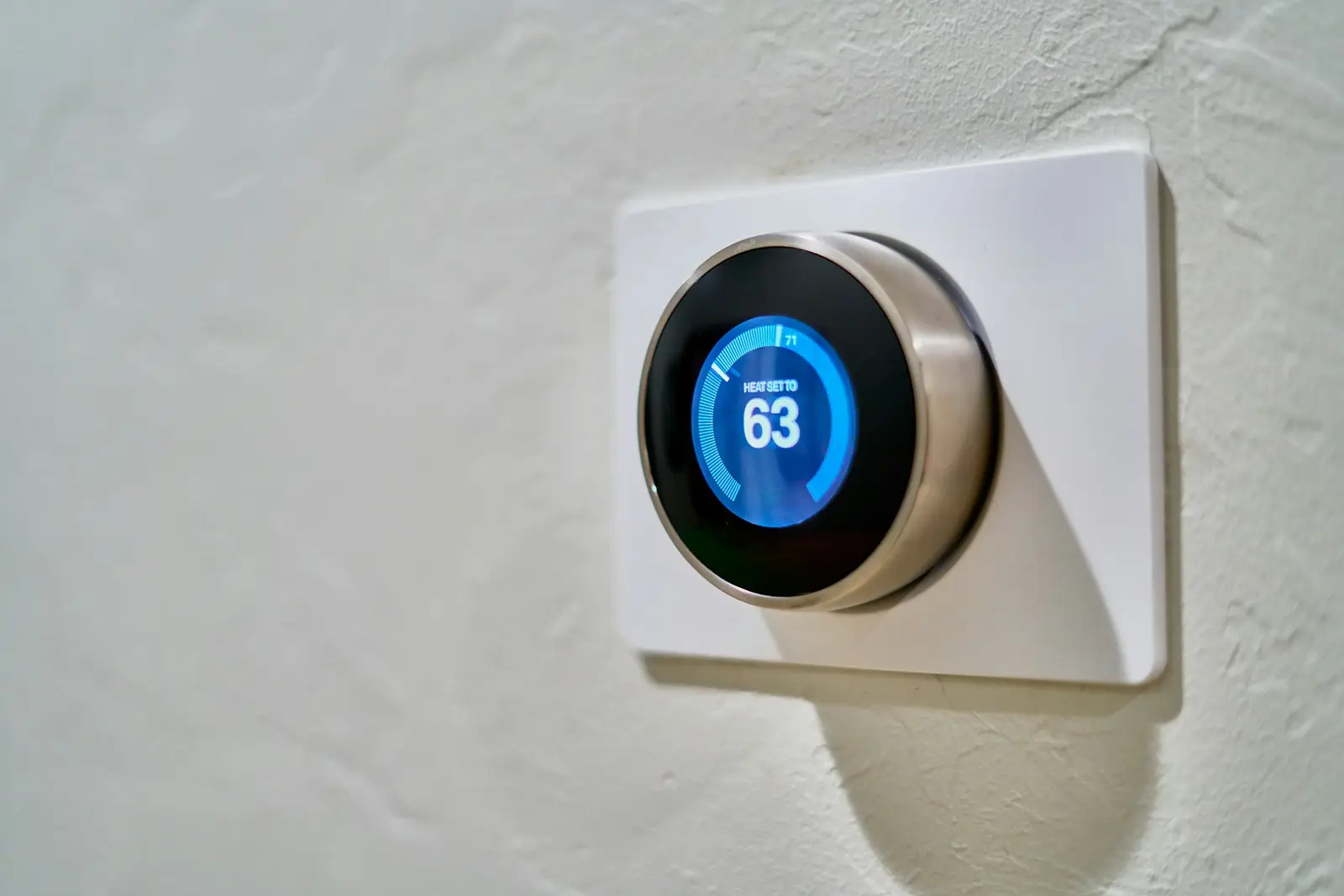 Connected devices add convenience, and a new set of security responsibilities.
Device-level habits that matter
- Buy from vendors with a track record of security updates and a published vulnerability disclosure process.
- Register devices with the vendor so you receive security notices.
- Prefer devices that work locally and do not require a cloud account to function.
- Remove devices from your accounts and factory-reset them before selling or disposing of them.
- Review the vendor app's shared users periodically; former staff, tenants and installers often retain access.
- Turn on MFA for every smart home and camera account that supports it.
Common mistakes
- Leaving the installer's password in place. Installers often reuse one password across clients. Change it at handover and record who holds it.
- Port forwarding "just for now". Temporary rules become permanent. Use a VPN from day one.
- Creating a VLAN but not adding firewall rules. A VLAN without inter-VLAN rules may still route freely on many routers.
- Putting the smart home controller on the trusted LAN with full access to IoT and no rules in the other direction. Treat the controller as part of the IoT segment, and allow only the traffic it needs.
- Forgetting the guest Wi-Fi. Visitors and contractors on the main network can see every device.
- Never checking firmware. Diarise a quarterly review for routers, recorders and hubs.
FAQ
Is a separate Wi-Fi network for IoT enough?
Only if that SSID is mapped to a separate VLAN with firewall rules that block it from your trusted network. A second SSID on the same subnet gives no isolation.
How do I view my CCTV remotely without port forwarding?
Use a VPN to your site router, or the manufacturer's relay service protected by a strong unique password and MFA. A VPN is the stronger option for businesses.
My ISP router does not support VLANs. What should I do?
Put your own business-grade router behind it, ideally with the ISP unit in bridge mode if your provider supports it. Your router then handles VLANs, firewalling and VPN.
Do smart locks increase risk?
They change risk rather than simply adding it. Choose locks with local control, MFA on the controlling account, audit logs and a mechanical override, and keep firmware current.
Does the Data Protection Act apply to home CCTV?
Purely personal or household use is treated differently from business use, but cameras that capture public areas or neighbours raise questions. Seek advice, and check guidance from the ODPC for your circumstances.
How TechBytes can help
We audit and harden home, estate and business networks, with particular focus on CCTV systems, segmentation and secure remote access. A typical engagement inventories devices, closes exposed services, implements VLANs and firewall rules and documents the result. Talk to our cybersecurity team about an IoT security assessment, or read how devices talk to each other in our guide to how IoT devices communicate.