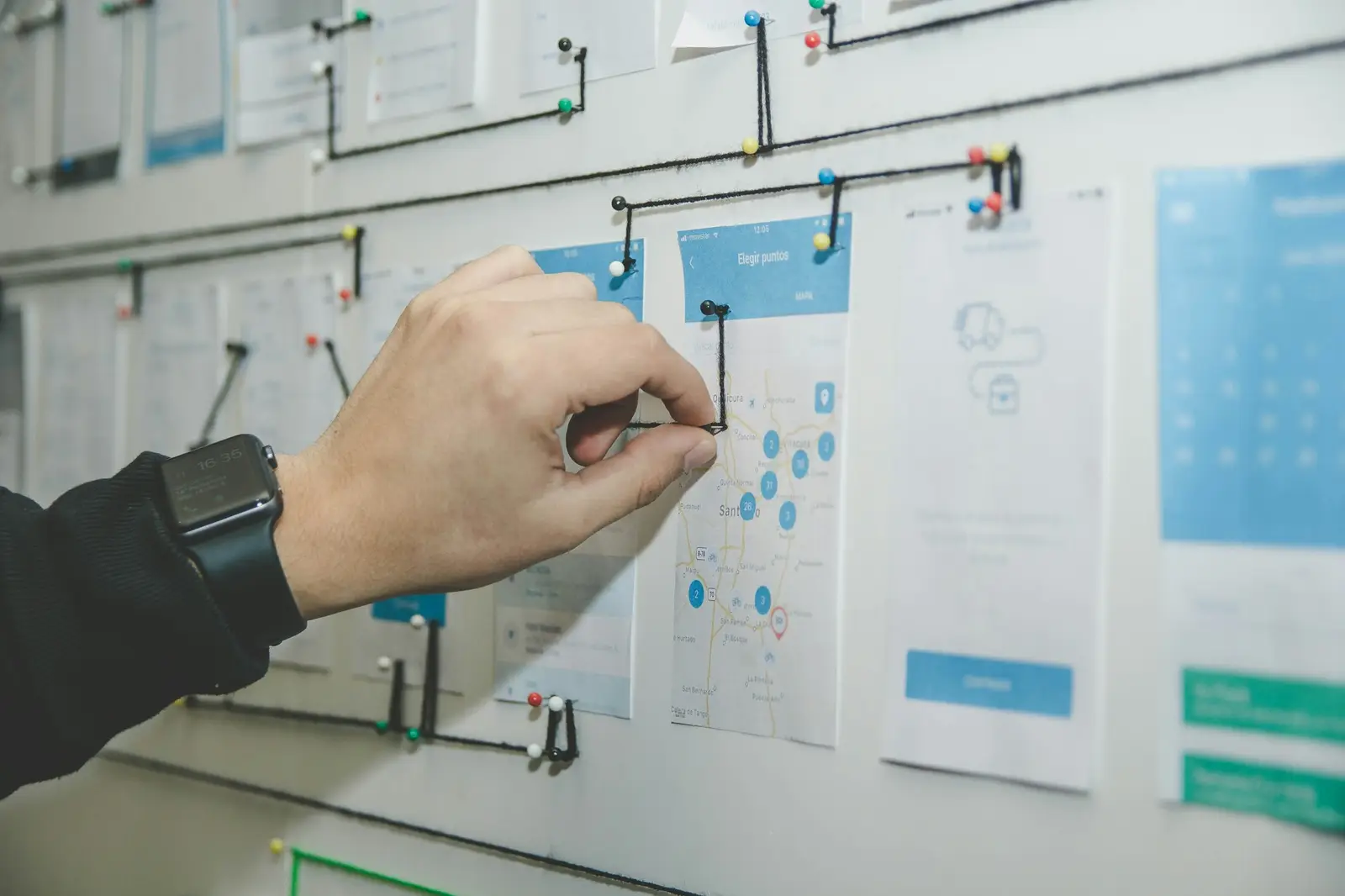
Many small businesses in Kenya are already partly digital: they accept M-Pesa, run WhatsApp groups with customers and keep some records in Excel. What they often lack is a connected set of systems, so data is typed repeatedly, the owner cannot see the true position of the business without calling three people, and growth means more chaos rather than more profit. This guide sets out a practical, phased roadmap for digitising operations on an SME budget, with indicative costs, tool choices and the mistakes that most often derail the effort.
Key takeaways
- Digitisation is a sequence, not a purchase. Start with the foundations (connectivity, devices, accounts, backups), then money flows, then operations, then insight.
- Choose cloud software that works on mobile and tolerates intermittent connectivity; avoid tools that force you onto a single office PC.
- Integrate M-Pesa and eTIMS early, because payments and tax compliance touch every other process.
- Security and data protection are part of digitisation from day one, not a later project.
- Budget for training and data clean-up, not just subscriptions. They usually determine success.
- Measure a few simple metrics before and after each phase to prove value and decide what comes next.
Start with an honest assessment
Before choosing tools, spend a few hours documenting how the business runs today. For each major activity, note what happens, who does it, what tool or paper is used, and where things go wrong.
Typical areas to review:
- Sales: how orders arrive (walk-in, phone, WhatsApp, website), how they are recorded.
- Payments: cash, M-Pesa till or Paybill, bank, cards; how they are confirmed and recorded.
- Invoicing and tax: how invoices are produced, whether eTIMS is in place.
- Stock: how inventory is counted and reordered.
- Purchasing: how suppliers are chosen, ordered from and paid.
- People: attendance, leave, payroll and statutory filings.
- Information: where files live, who has access, how they are backed up.
Mark each area red, amber or green. Red areas with high volume or compliance risk come first.
 Automation frees staff from re-typing data so they can focus on customers.
The phased roadmap
Phase 1: Foundations (weeks 1-6)
Without reliable foundations, every later system will frustrate staff.
- Connectivity: a primary business internet link, preferably fibre, plus a backup such as LTE or 5G from a different provider. Configure automatic failover on the router.
- Power: a UPS for the router, critical PCs and any POS. In areas with frequent outages, consider an inverter or solar backup for essential equipment.
- Devices: business-grade laptops or desktops for administrative staff, tablets or phones for field and counter staff. Standardise models where possible to simplify support.
- Business accounts and email: a professional domain and a productivity suite such as Microsoft 365 or Google Workspace, with one named account per person, never shared logins.
- File storage and backup: move documents into the suite's cloud storage with sensible folders and permissions. Keep an independent backup of critical data.
- Security basics: multi-factor authentication on all accounts, a password manager, automatic updates on devices, and screen locks on phones.
Phase 2: Money flows (months 2-4)
Money is where digitisation pays back fastest.
- Cloud accounting: adopt an accounting system with local tax support and M-Pesa and bank integration options. Migrate opening balances and customer and supplier lists properly.
- eTIMS: implement KRA eTIMS invoicing using an approach suited to your volumes, ideally integrated with your accounting or POS so invoices are not typed twice. Check KRA's current guidance on available integration options.
- M-Pesa integration: move from reading SMS confirmations to automated payment notifications and reconciliation. Use a Paybill with account references if you invoice customers, or STK Push for online and counter checkout. Our guide on mobile payment technologies explains the options.
- Supplier payments: pay suppliers from the bank or M-Pesa business account with approvals, rather than from personal phones.
Phase 3: Operations (months 4-9)
- POS and inventory: a cloud POS or inventory system that updates stock as sales happen, supports multiple branches and works offline at the counter, syncing when connectivity returns.
- Sales and customers: a simple CRM or the customer module of your accounting or POS system, recording contacts, orders and follow-ups in one place instead of personal phones.
- Purchasing and approvals: request and approval workflows for purchases above a threshold.
- HR and payroll: payroll software maintained for Kenyan statutory requirements, plus digital leave requests and staff records.
Phase 4: Insight and automation (months 9-18)
- Dashboards: daily sales, cash, receivables, stock and margins in a single view.
- Workflow automation: reminders, recurring invoices, reorder alerts and approval routing. See 10 business processes you can automate with software for candidates.
- Integration: connect systems so that a sale updates stock, accounting and the customer record without re-entry.
- Customer channels: e-commerce or online ordering if your market supports it, integrated with stock and payments.
Indicative budget ranges
Costs vary widely with business size, vendor and exchange rates, so treat the figures below as approximate planning ranges for a small business of roughly 5-25 staff at the time of writing. Always check current pricing with vendors.
| Item | Indicative cost (KES, approximate) | Notes |
|---|---|---|
| Business fibre internet | Several thousand to tens of thousands per month | Depends on speed, provider and SLA |
| Backup LTE/5G link | A few thousand per month plus router | Choose a different provider from the primary |
| UPS for network and key PCs | Roughly 15,000 to 80,000 one-off | Size for graceful shutdown; budget for battery replacement |
| Business laptop | Roughly 60,000 to 150,000 per unit | Business models last longer and are easier to support |
| Productivity suite | Several hundred to a few thousand per user per month | Often priced in USD; exchange rate affects cost |
| Cloud accounting | A few thousand to tens of thousands per month | Varies by users and modules |
| Cloud POS and inventory | A few thousand per month per outlet and up | Hardware such as printers and scanners extra |
| Payroll software | Often priced per employee per month | Check statutory update commitments |
| Implementation and training | Can match or exceed the first year of subscriptions | Data migration and training are often underestimated |
| Custom integration or software | Wide range: from tens of thousands to millions | Only where off-the-shelf tools do not fit |
A useful rule of thumb is to budget separately for three things: subscriptions and hardware, implementation and data migration, and training and change support. Businesses that fund only the first usually end up paying for software nobody uses properly.
Choosing tools: a decision checklist
- Does it solve a specific problem you identified in the assessment?
- Does it work well on mobile devices and on slower connections?
- Does it handle Kenyan specifics: KES, VAT, eTIMS, M-Pesa, local payroll rules?
- Can it integrate with your other tools through APIs or existing connectors?
- Can you export all your data in a usable format if you leave?
- Is there local support, or a local implementation partner, during your working hours?
- Where is data stored, and does the vendor's approach align with the Kenya Data Protection Act 2019?
- Is pricing predictable, including currency exposure for USD-priced products?
- Are user roles and permissions granular enough to separate duties?
Data protection and security essentials
Digitising means your business holds more personal data in more places: customer phone numbers, staff records, payment histories. The Kenya Data Protection Act 2019 applies to SMEs too.
- Understand whether you must register with the Office of the Data Protection Commissioner as a data controller or processor, based on its current thresholds and guidance.
- Collect only what you need and tell people why.
- Restrict access by role. A cashier does not need the full customer database export.
- Turn on multi-factor authentication everywhere it is offered.
- Keep devices updated and encrypted, and have a process for lost phones and laptops.
- Back up critical data and test restoring it.
- When staff leave, remove their access on their last day.
 Digitised workflows matter most where many people touch the same process.
Change management: the part that decides success
Technology projects in small businesses rarely fail on technology. They fail when staff keep using the old notebook because the new system feels slower, or when the owner keeps asking for the old report.
- Appoint a champion: one person who owns the rollout and is given time to do it.
- Train in context: short sessions on real tasks, not generic product tours.
- Run in parallel briefly, then switch off the old method on a fixed date.
- Fix friction quickly: collect complaints in the first weeks and resolve them visibly.
- Lead by example: if managers approve purchases on WhatsApp, the approval workflow will die.
Measuring progress
Pick a few metrics per phase and record them before you start:
- Days to close the month's books.
- Hours per week spent on reconciliation.
- Number of invoicing errors or credit notes.
- Stock discrepancies at count.
- Time from customer order to delivery.
- Debtor days (how long customers take to pay).
Review them quarterly. Our article on manual processes vs automated business systems shows how to turn these measurements into an ROI calculation.
Common mistakes
- Buying an all-in-one system before understanding your processes.
- Migrating dirty data: duplicate customers, wrong opening balances and obsolete stock items carried into the new system.
- Shared logins, which destroy accountability and audit trails.
- No backup internet or power, so the "digital" business stops whenever there is an outage.
- Ignoring USD-priced subscriptions in a KES budget, then being surprised when exchange rates move.
- Too many tools that do not talk to each other, recreating manual re-entry between them.
- Underinvesting in training, then concluding the software does not work.
FAQ
How long does it take a small business to digitise?
A realistic timeline for the full roadmap is around 12-18 months, but the first benefits (better payment visibility, easier invoicing) appear within the first few months. Pace depends on team capacity more than technology.
Should we buy one system for everything or separate tools?
For many small businesses, a strong accounting system plus a POS or sector-specific tool, well integrated, works better than an expensive all-in-one ERP. Larger or more complex businesses may justify an ERP. Prioritise integration and data export either way.
Is cloud software reliable with Kenyan internet?
Yes, with a backup link and sensible tool choices. Prefer systems with offline capability for counter operations and mobile apps that sync when connectivity returns.
Do small businesses need to comply with the Data Protection Act?
Yes. The Act applies to anyone processing personal data in Kenya. Registration requirements depend on criteria set by the ODPC, but obligations such as security, purpose limitation and respecting data subject rights apply broadly.
What is the first thing we should digitise?
Usually payments and invoicing: integrate M-Pesa, adopt cloud accounting and put eTIMS in place. These have the fastest payback and the most compliance value.
How TechBytes can help
TechBytes EA supports small and growing businesses through each phase, from reliable connectivity, devices and backups to accounting, M-Pesa and eTIMS integration and workflow automation. We can run the initial assessment, recommend tools that fit your budget, and handle setup, migration and training. Start with our consultancy services or request a quote.