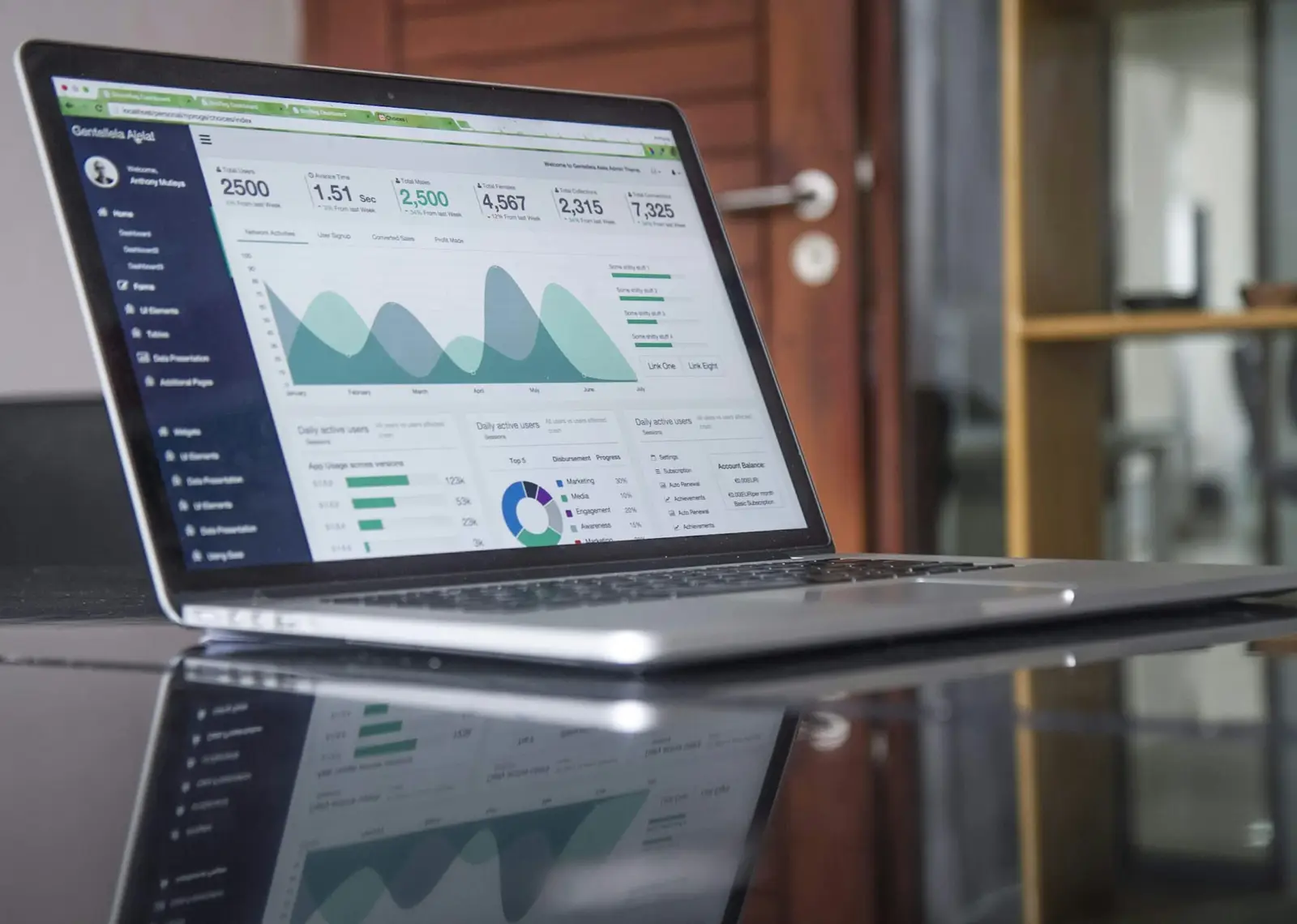
Most small and medium businesses in East Africa already have the data they need to make better decisions: sales in a POS or ERP, payments in M-Pesa statements, invoices in an accounting package, stock in spreadsheets. What they lack is a reliable way to bring it together and see it clearly. This guide compares six business intelligence (BI) tools that suit SME budgets and skills, explains what each costs in approximate terms, and gives you a checklist for choosing one without locking yourself into the wrong platform.
Key takeaways
- The tool matters less than the data foundation. A clean, consistently updated data source beats an expensive tool connected to messy spreadsheets.
- Looker Studio and Metabase (open source) are the lowest-cost starting points; Power BI offers the best value for organisations already on Microsoft 365.
- Tableau is powerful but usually expensive for small teams; Apache Superset is free but needs engineering capacity to run.
- Zoho Analytics is a strong fit if you already use Zoho's business apps.
- Pricing is per user, per month, in US dollars for most tools. Factor in exchange-rate movements and check current pricing before budgeting in KES.
- Data residency and the Kenya Data Protection Act 2019 apply when personal data such as customer phone numbers leaves your systems.
What a small business actually needs from BI
Before comparing products, define the job. For most SMEs, a BI tool must:
- Connect to where data lives: Excel and Google Sheets, a SQL database behind your POS or ERP, accounting software, and payment data (often M-Pesa statements or API exports).
- Refresh automatically on a schedule, so nobody spends Monday morning rebuilding reports.
- Model data simply: join sales to products, branches and customers; define KPIs once.
- Visualise a small number of meaningful KPIs clearly.
- Share securely with the right people, on mobile as well as desktop, because many managers check performance on their phones.
- Stay affordable as the number of viewers grows.
That last point catches many businesses. A tool that costs little for one analyst can become expensive when every branch manager needs access.
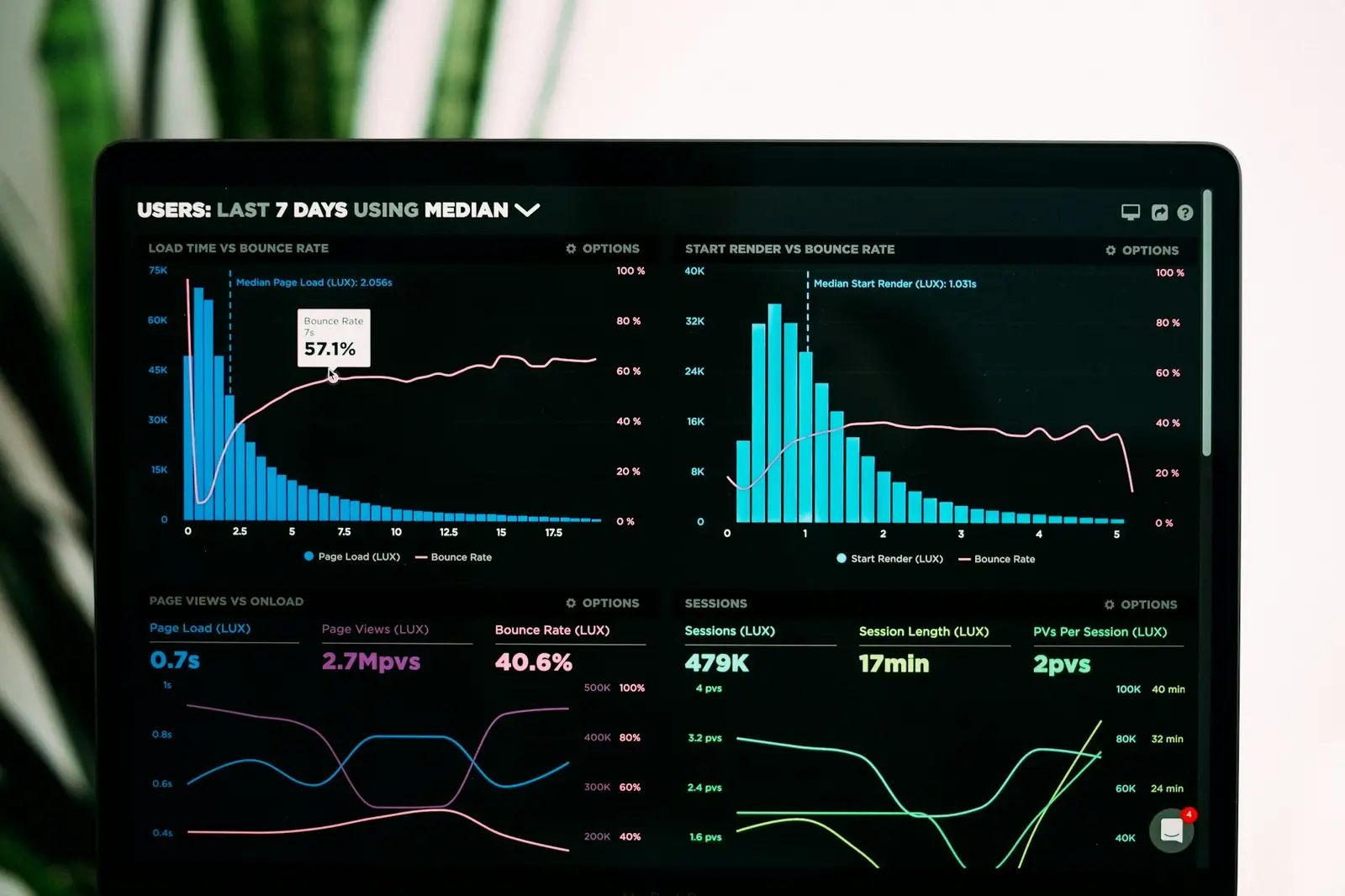 A good dashboard answers a decision, not just a question.
The six tools at a glance
| Tool | Approximate cost (check current pricing) | Best for | Skills needed | Hosting |
|---|---|---|---|---|
| Microsoft Power BI | Free desktop authoring; Pro per user roughly USD 10-15/month; Premium Per User higher | Microsoft 365 organisations, Excel-heavy teams | Moderate (Power Query, DAX for advanced work) | Microsoft cloud; on-premises via Report Server with specific licensing |
| Google Looker Studio | Free; optional Pro tier per user per project | Google Workspace users, marketing and web analytics | Low | Google cloud |
| Metabase | Open source edition free to self-host; paid cloud and enterprise plans | SMEs with a SQL database wanting fast, simple dashboards | Low to moderate; SQL helpful | Self-host or Metabase Cloud |
| Apache Superset | Free, open source (managed hosting available from third parties) | Teams with engineering capacity, larger data volumes | Moderate to high | Self-host |
| Tableau | Per user, tiered by role; Creator licences typically the most expensive, often USD 70+/month | Analyst-led organisations needing advanced visual analytics | Moderate to high | Tableau Cloud or Tableau Server |
| Zoho Analytics | Tiered plans from roughly tens of USD per month for small teams | Businesses already on Zoho CRM, Books or Inventory | Low to moderate | Zoho cloud; on-premises edition available |
These figures are approximate ranges based on published list prices at the time of writing. Vendors change prices, bundles and regional terms frequently, so confirm current pricing on each vendor's site or with a local partner.
Tool-by-tool assessment
Microsoft Power BI
Power BI is the default choice for organisations that live in Excel and Microsoft 365. Power BI Desktop, the authoring tool, is free on Windows. Sharing reports with colleagues generally requires Pro licences for both publishers and viewers, unless you buy capacity-based licensing, which is typically aimed at larger organisations.
Strengths: Power Query handles data cleaning well; DAX enables sophisticated measures; strong Excel integration; large community and abundant learning material via Microsoft Learn; many Kenyan accountants and analysts already have some exposure.
Limitations: Desktop authoring is Windows-only; DAX has a learning curve; per-user licensing adds up as viewer numbers grow; data is stored in Microsoft's cloud regions, which matters for residency decisions.
Fit: Accounting-led SMEs, distributors and professional services firms on Microsoft 365.
Google Looker Studio
Looker Studio (formerly Google Data Studio) is free and browser-based. It connects natively to Google Sheets, Google Analytics, Google Ads, BigQuery and many databases, with partner connectors for other sources.
Strengths: No licence cost for core use; easy sharing via Google accounts; excellent for marketing and e-commerce dashboards.
Limitations: Limited data modelling; performance can degrade with large or complex data sources, especially when querying spreadsheets directly; governance features are lighter than enterprise tools.
Fit: Small e-commerce, marketing and service businesses on Google Workspace. Pair it with a database or BigQuery rather than large spreadsheets for better performance.
Metabase
Metabase is an open source BI tool that many small teams adopt because non-technical staff can ask questions through a simple query builder, while analysts can write SQL. The open source edition can be self-hosted on a modest server or container; paid plans add hosting, advanced permissions and other features.
Strengths: Very fast time to first dashboard; friendly for non-technical users; no per-viewer licence when self-hosted; can run on your own infrastructure in Kenya.
Limitations: Self-hosting means you own patching, backups and uptime; advanced visualisation is more limited than Tableau or Power BI.
Fit: SMEs with a PostgreSQL or MySQL database behind their application, POS or e-commerce store, and access to a developer or managed service partner.
Apache Superset
Superset is an Apache Software Foundation project used by many data teams. It supports a wide range of SQL databases, rich chart types and SQL Lab for exploration.
Strengths: Free and open source; scales to large datasets when backed by a capable database; extensive visualisation options; full control over hosting and data residency.
Limitations: Setup and upgrades require engineering skills (Docker or Kubernetes, configuration, authentication); less approachable for casual business users than Metabase.
Fit: Tech-enabled SMEs and start-ups with in-house engineers, or businesses working with a managed services provider.
Tableau
Tableau, owned by Salesforce, is renowned for visual analytics and exploration. Licensing is role-based (Creator, Explorer, Viewer), with Creator licences the most expensive.
Strengths: Outstanding visual exploration; mature product; strong community.
Limitations: Total cost is usually high for small teams; skills are less common locally than Excel and Power BI; requires dedicated analyst time to get value.
Fit: SMEs with a dedicated analyst and complex analytical needs, or subsidiaries of multinationals that already standardise on Tableau. See our detailed comparison in Power BI vs Tableau vs Custom Analytics Dashboards.
Zoho Analytics
Zoho Analytics integrates tightly with the Zoho ecosystem (CRM, Books, Inventory, Desk) that many East African SMEs use for affordable business software. It also connects to databases, files and other cloud apps.
Strengths: Prebuilt dashboards for Zoho apps; reasonable entry pricing; AI-assisted querying features; on-premises option exists.
Limitations: Best value is inside the Zoho ecosystem; outside it, connectors may be less polished than alternatives.
Fit: Businesses already running on Zoho One or several Zoho apps.
The data foundation matters more than the tool
Whichever tool you choose, invest first in the pipeline that feeds it. A simple, robust architecture for an SME looks like this:
 POS / ERP DB      Accounting (cloud)     M-Pesa (Daraja API or statements)
      |                   |                         |
      +---------+---------+-------------+-----------+
                |                       |
         Scheduled extract (Python, n8n, or ETL tool)
                |
         Reporting database (PostgreSQL / BigQuery / Azure SQL)
           - cleaned tables, consistent dates, KES amounts
           - one definition per KPI (views)
                |
         BI tool (Power BI / Looker Studio / Metabase / ...)
                |
         Managers on desktop and mobile
Key principles:
- Do not point dashboards at production databases during trading hours. Use a read replica or a separate reporting database.
- Define KPIs once, in SQL views or a semantic model, so "revenue" means the same thing on every report.
- Reconcile against finance. If dashboard revenue does not match the accounts, managers will stop trusting it.
- Handle M-Pesa data carefully. Transaction records contain phone numbers and names, which are personal data. Mask or hash them where the analysis does not need them.
For a hands-on walkthrough including SQL and code, read How to Build an Interactive Business Dashboard.
Self-service analytics puts reporting in the hands of the people who act on it.
East African considerations
- Currency and billing. Most BI tools bill in USD by card. A weakening shilling increases costs mid-contract; budget a buffer. Some local partners invoice in KES, which simplifies procurement and KRA documentation.
- Connectivity. Cloud BI tools need reliable internet for viewers. Most dashboards are lightweight, but large refreshes from on-premises databases over a congested LTE link can fail. Schedule refreshes off-peak and consider fibre for the site hosting the source database.
- Data protection. Under the Kenya Data Protection Act 2019, transferring personal data outside Kenya requires appropriate safeguards. Most global BI clouds host data in Europe, the US or other regions. Review vendor data processing terms, minimise personal data in your BI layer and consult ODPC guidance where appropriate.
- Skills. Excel and Power BI skills are relatively common in the Kenyan market. SQL skills are growing. Self-hosted open source tools need DevOps capacity or a managed service partner.
How to choose: a decision checklist
- Which productivity suite do you use? Microsoft 365 points to Power BI; Google Workspace points to Looker Studio; Zoho apps point to Zoho Analytics.
- How many people need to view dashboards? If dozens of viewers and a small budget, favour tools without per-viewer licences (Looker Studio, self-hosted Metabase or Superset).
- Where does your data live? Spreadsheets only, or a SQL database? Open source tools shine with SQL databases.
- Who will maintain it? No technical staff suggests a fully hosted tool; developers on hand make self-hosting viable.
- Are there residency or compliance constraints? If sensitive personal data must stay local, self-hosting in a Kenyan data centre may be necessary.
- What is the three-year cost, not just the first-month price, including licences, hosting, support and training?
Run a two-to-four-week proof of concept with your shortlisted tool using real data and real users before committing.
Common mistakes
- Buying the tool before defining KPIs. You end up with many charts and no decisions.
- Connecting directly to dozens of spreadsheets. Refreshes break when someone renames a column. Consolidate into a database.
- Ignoring viewer licensing. Budgeting for authors only, then discovering every viewer needs a licence.
- No data owner. Dashboards decay when nobody is responsible for data quality.
- Exporting sensitive data freely. Customer phone numbers and transaction histories in BI exports create data protection exposure.
FAQ
What is the cheapest BI tool for a small business?
Looker Studio is free for core use, and the open source editions of Metabase and Apache Superset have no licence fee if you host them yourself. Remember to count hosting, maintenance and staff time in the true cost.
Is Power BI free?
Power BI Desktop is free for building reports. Sharing reports with colleagues through the Power BI service generally requires paid licences. Check current Microsoft pricing and licensing terms.
Can I build dashboards from M-Pesa data?
Yes. You can export statements or use the Safaricom Daraja API to capture transactions into a database, then connect your BI tool to it. Protect customer phone numbers and names as personal data.
Do I need a data warehouse?
Not at first. A single PostgreSQL or cloud SQL reporting database is enough for most SMEs. Consider a dedicated warehouse when data volumes, sources or concurrency grow.
Should I self-host or use the cloud?
Use the cloud if you lack technical staff and have no strict residency constraints. Self-host if you have engineering support, many viewers, or a need to keep data in-country.
How TechBytes can help
We help SMEs design the data foundation first: extracting data from POS, ERP, accounting and M-Pesa, building a clean reporting database, and defining KPIs your finance team agrees with. We then deploy and support the BI tool that fits your budget, whether a managed Power BI rollout or a self-hosted Metabase instance in a Kenyan data centre. Explore our software development services or get in touch for a quote.