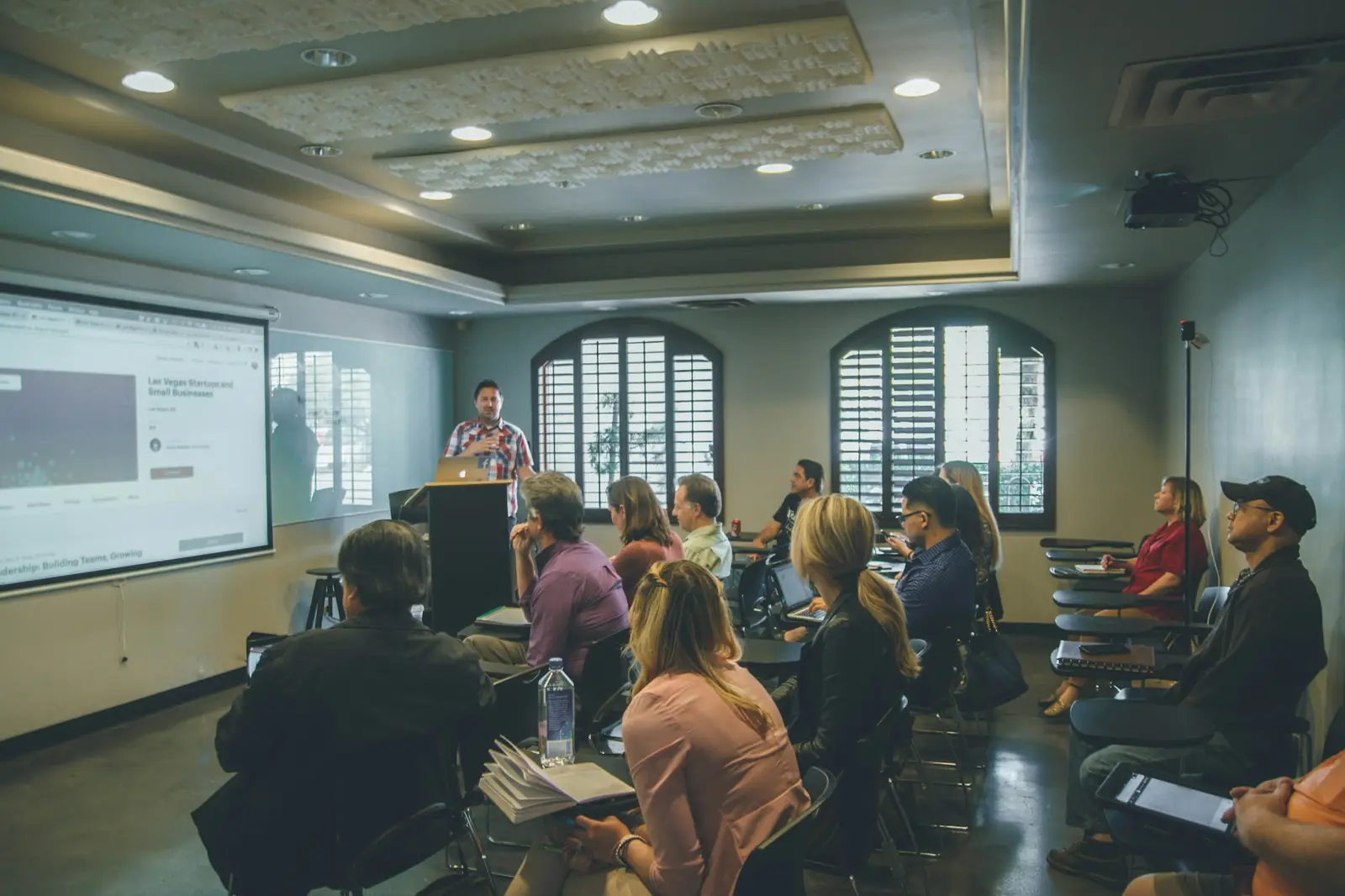
About the client
The client is a chartered private university with around 9,000 students and 650 academic and administrative staff. Its main campus in Kiambu County spans 14 buildings, including teaching blocks, a library, laboratories, hostels and administration. A satellite campus in the Nairobi CBD hosts evening and weekend programmes for working students.
Teaching had shifted steadily towards blended learning since 2020. Lecturers relied on the learning management system during lectures, students sat online continuous assessment tests, and the library's e-resources had become a core part of every programme.
The challenge
The network had grown building by building over 15 years. Most inter-building links ran over multimode fibre or, in three cases, long copper runs that capped throughput at 1 Gbps or less. The core was a pair of end-of-life switches with no vendor support, and access switching was a mix of five brands managed individually.
Wireless was the most visible failure. The main campus had around 120 consumer and small-business access points, many installed in corridors rather than teaching spaces. Our baseline survey found that the network struggled beyond about 1,800 simultaneous clients. In a 400-seat lecture hall, students regularly could not load the LMS, and online tests had to be rescheduled several times each semester.
Power was the other weakness. Network closets had small line-interactive UPS units with worn batteries that lasted under ten minutes. During KPLC outages, which averaged four to five a month at the main campus, buildings dropped off the network until the generator stabilised, and some switches needed manual restarts.
Security was minimal. A single shared Wi-Fi password circulated freely, so there was no way to tell students, staff, guests and unknown devices apart, and peer-to-peer traffic consumed a large share of the 1 Gbps internet link.
Objectives
- Replace the backbone with single-mode fibre and 10 Gbps links between all buildings.
- Deliver reliable Wi-Fi in every teaching space, sized for full lecture halls.
- Authenticate every user and device, with separate policies for students, staff and guests.
- Keep the network running through power outages.
- Give the ICT team full visibility of the network and its performance.
- Complete disruptive works without interrupting teaching or examinations.
Our approach
Discovery & audit
Over three weeks we walked every building, documented each closet, traced existing fibre routes and ran predictive and on-site Wi-Fi surveys. We also reviewed six months of helpdesk tickets and firewall logs, and modelled peak demand from the timetable: which halls fill at which hours and how many devices each student brings. On average this came to 1.8 devices per student on campus.
Design
The design followed a collapsed-core model with a redundant core pair in the main data centre and dual fibre paths to each building's distribution switch. Wireless was designed for capacity rather than coverage, with access points placed under seating in the large halls and channel plans kept to 20 MHz and 40 MHz widths to reduce co-channel interference.
Authentication used 802.1X with certificate onboarding for staff and students, structured so the university could join an eduroam federation later without redesign. Logging and retention settings were reviewed against the Kenya Data Protection Act 2019, since authentication records link devices to named individuals.
Deployment
All trenching, fibre blowing and core cutover happened during the August and December breaks, when the campus was largely empty. Building-by-building access refreshes took place on weekends during the semester, with each building's old and new networks running side by side for a week. We froze changes entirely during the two examination periods inside the project window.
Solution architecture
- Backbone: 24-core OS2 single-mode fibre in new ducting between all 14 buildings, in a ring with dual paths to the core. A leased 10 Gbps metro link connects the CBD campus.
- Core and distribution: Redundant Aruba CX core switches with 10/25 Gbps uplinks; a distribution switch per building, stacked where closets serve more than 150 ports.
- Access: PoE+ access switches replacing all legacy units, with consistent VLAN and policy templates.
- Wireless: 310 Wi-Fi 6 access points, including high-density designs for six lecture halls of 250 to 400 seats.
- Identity and access: ClearPass for 802.1X, device profiling and role-based policy, plus a self-registration captive portal for guests and conference visitors.
- Edge and bandwidth: FortiGate firewalls in a high-availability pair, per-role traffic shaping, and priority for the LMS, video conferencing and e-library platforms.
- Power: LiFePO4 UPS units in every closet rated for at least two hours, with a 30 kWp rooftop solar array backing the core data centre.
- Monitoring: LibreNMS and Grafana dashboards, with SMS and email alerts to the university ICT team and the TechBytes NOC.
 Each building closet was re-terminated and labelled to a common standard during the refresh.
Implementation timeline
| Phase | Weeks | Key deliverables |
|---|---|---|
| Survey & audit | 1–3 | Closet audit, fibre route mapping, Wi-Fi surveys, demand model |
| Design & procurement | 4–8 | High-level and detailed design, bill of materials, vendor orders |
| Backbone works (August break) | 9–12 | Ducting, fibre installation and testing, core installation |
| Building refreshes (semester weekends) | 13–20 | Access switching, Wi-Fi 6 rollout, closet power upgrades |
| Identity cutover (December break) | 21–23 | 802.1X onboarding, guest portal, retirement of shared password |
| Handover | 24 | As-built documentation, ICT team training, managed service start |
Results
| Metric | Before | After | Change |
|---|---|---|---|
| Peak concurrent Wi-Fi clients | ~1,800 | ~7,400 | 4x |
| Core network uptime | 97.2% | 99.9% | +2.7 pts |
| Inter-building backbone | 1 Gbps | 10 Gbps | 10x |
| Network helpdesk tickets per month | ~420 | ~120 | -71% |
In the first full semester after handover, no online assessment was rescheduled because of network problems. The ICT team now sees closet battery health, link utilisation and wireless load on one dashboard, and traffic shaping has cut peer-to-peer and streaming usage during teaching hours by about 60%. That freed enough internet capacity for the university to defer a planned bandwidth upgrade by a year.
What made the difference
- Planning around the academic calendar. Using the August and December breaks for disruptive work meant teaching never stopped.
- Designing from the timetable. Sizing Wi-Fi to real lecture-hall attendance, not floor area, is what fixed the busiest rooms.
- Treating power as part of the network. Two-hour closet UPS and solar at the core removed the most common cause of outages.
- Phasing the identity change. Running the shared password and 802.1X side by side for three weeks, with onboarding desks in each faculty, avoided a spike in support calls.
What's next
TechBytes provides managed network services to the university under a 99.9% core availability SLA, with 24/7 monitoring, quarterly capacity reviews and firmware management. The next phase extends Wi-Fi 6 to the hostels, upgrades the CBD campus closets to the same power standard, and completes the university's eduroam federation onboarding.